Generate + process
MiDream AI Studio
Generate images and video on an infinite canvas — then clean them up right there.
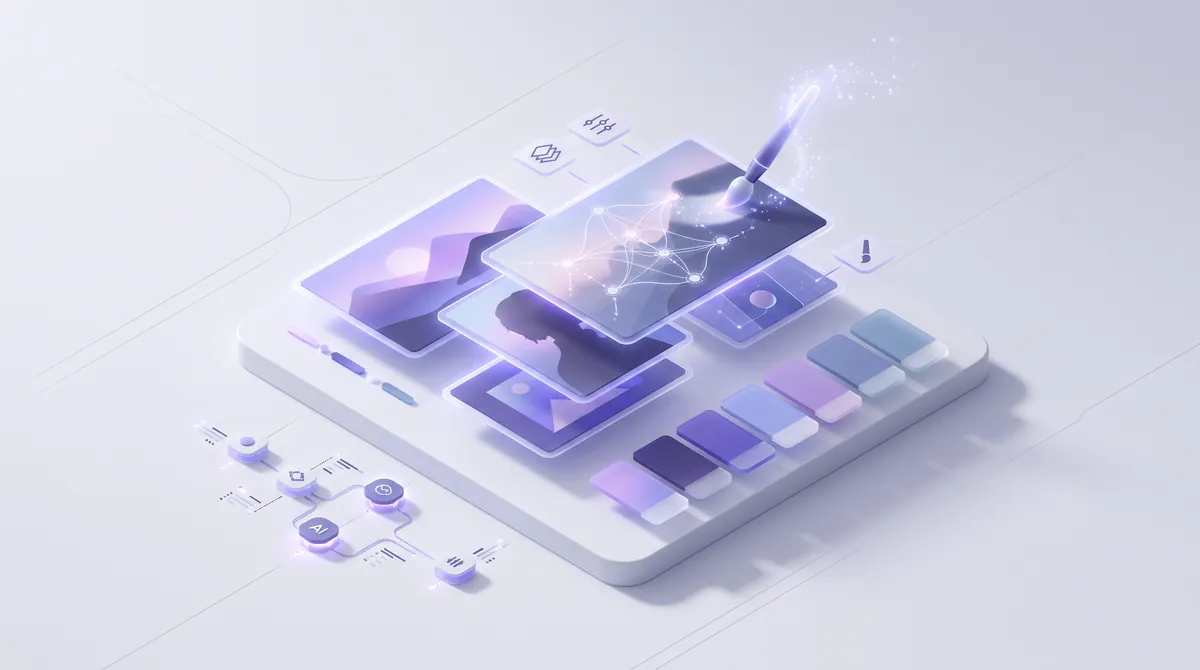
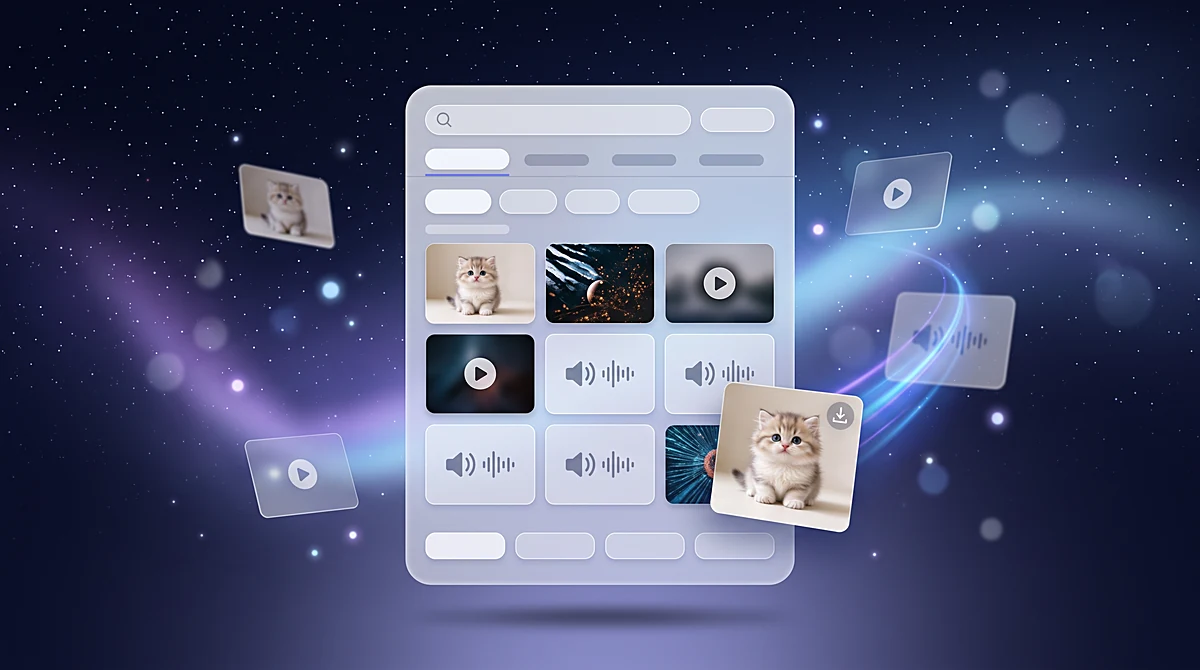
Generation and processing live on the same infinite canvas. Image, video and audio nodes sit side by side and connect to each other, so a whole pipeline runs in one pass.
- Infinite canvas — image and video nodes arranged freely; generate → process → export in one flow
- Generation — text to image, text to video, image to image, sticker packs, styles
- Toolbox — background removal, layer split, smart slicing, upscaling, video matting, audio separation, brush retouching
Toolbox
Text to imageText to video
Image to imageSticker packs
Layer splitSmart slicing
Background removalVideo matting
Audio separationUpscaling
Brush retouchLocal erase